How to Map Backyard Fruit Trees With a Sub-250g Drone
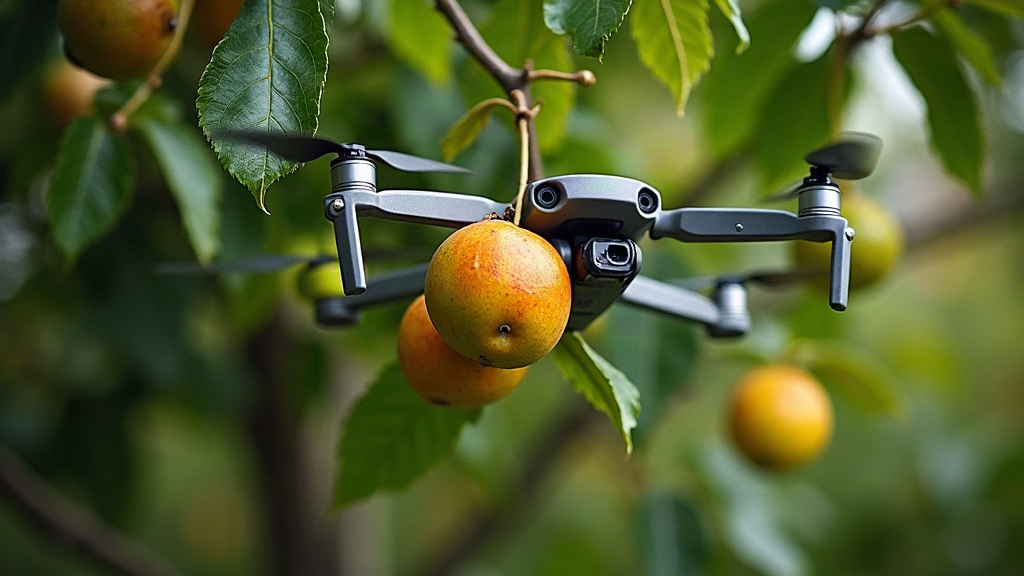
Mapping Your Backyard Fruit Trees With a Sub-250g Drone
Mapping backyard fruit trees with a sub-250g drone is a genuinely practical way to build a visual orchard inventory: you can measure tree spacing, spot canopy differences, and plan pruning, irrigation, or harvest routes without hiring a surveyor. A lightweight camera drone captures useful overhead photos at a fraction of the cost and hassle of professional equipment, which makes it a great fit for a small, private garden.
Why Map Your Backyard Fruit Trees?
A fruit tree map turns a loose collection of trees into a proper, usable garden record. Instead of trying to remember which cultivar you planted in 2019, you can pin down exactly where every apple, pear, plum, citrus, or cherry tree sits and attach notes to each one.
Aerial shots earn their keep when trees are scattered across a large yard, planted in rows, or half-hidden behind hedges and outbuildings. From the ground, it’s easy to lose track. From above, patterns jump out immediately.
A simple map can help you:
- Record tree locations before labels fade or go missing.
- Estimate planting distances and canopy spread.
- Identify crowded areas that may need pruning or thinning.
- Plan drip irrigation lines and mulch zones.
- Track problem trees across seasons.
- Create an easier harvest plan for family members or gardeners.
You don’t need a survey-grade drone for any of this. For most backyard gardens, one clear top-down image and consistent documentation beat centimeter-level accuracy every time.
Choose the Right Sub-250g Drone Setup
Sub-250g drones are popular for good reason: compact, easy to pack in a backpack, and often subject to lighter registration requirements. That said, local aviation rules still apply wherever you fly, so check before you launch.
For fruit tree mapping, prioritize these features:
- A stabilized camera with at least 12 megapixels.
- The ability to hover steadily.
- A camera that can point straight down.
- GPS positioning or reliable visual positioning.
- Manual photo controls, if available.
- Enough battery time for several passes over the garden.
A downward-facing camera angle matters more than people expect. Oblique, angled photos look nice on Instagram, but a near-vertical shot is far easier to actually use as a map.
Useful Accessories
You can get started with just the drone and your phone, but a few cheap extras make a real difference:
- Spare batteries for uninterrupted sessions.
- A landing pad to keep dust and grass out of the drone.
- A tablet or sun hood so you can actually see the live feed outdoors.
- Small, high-contrast ground markers for reference points.
- A notebook or garden app for recording tree names and observations.
Prepare the Garden Before Flying
The best aerial map starts on the ground, not in the air. Walk the garden first and decide what you actually want the finished map to show. Flying blind and sorting it out later just means more editing work.
Build a basic inventory with details such as:
- Tree number or name.
- Fruit variety, if known.
- Rootstock or approximate age.
- Planting date.
- Health concerns.
- Last pruning date.
- Expected harvest period.
For example, label trees as “A1: Honeycrisp apple,” “P2: Bartlett pear,” or “C1: dwarf sweet cherry.” Those labels can go straight onto the aerial image afterward.
If you can, fly when the ground is still visible. Late winter, early spring, or right after leaf drop makes trunk locations and branch structure much easier to read. A midsummer flight, on the other hand, is better for comparing canopy size and overall vigor, since that’s when the leaf cover tells you the most.
How to Capture a Useful Tree Map
Pick a calm, bright day with soft light. Midday can actually work well here because shadows are shorter, though a lightly overcast sky often gives more even, flatter images with fewer harsh contrasts.
Step 1: Set a Safe Flight Altitude
For a typical backyard, start around 20 to 40 meters above ground level, assuming that’s legal and safe in your area. At that height, most gardens fit into just a handful of images while individual canopies stay clearly identifiable.
Don’t fly directly over people, pets, roads, or the neighbor’s yard. Keep the drone in visual line of sight at all times, and be mindful of privacy, both yours and theirs.
Step 2: Point the Camera Downward
Set the gimbal as close to 90 degrees straight down as your drone allows. This top-down angle cuts perspective distortion and makes it much easier to compare where trees actually sit relative to each other.
Take one wide shot of the whole yard first. If the garden is too large to fit in a single clear frame, follow up with closer images of individual orchard sections.
Step 3: Overlap Your Photos
If you plan to stitch multiple images together, capture them with overlap. Aim for something like 60 to 70 percent overlap between neighboring frames, similar to what mapping software expects.
A simple pattern works well:
- Fly to one edge of the orchard.
- Take a downward photo.
- Move sideways a short distance.
- Take the next photo.
- Continue in parallel rows until the full area is covered.
Keep the altitude and camera angle consistent throughout. Consistency matters far more than flying a mathematically perfect grid, so don’t stress about precision here.
Step 4: Include Reference Objects
Toss in a few recognizable features to help with scale, a patio corner, a fence line, a garden bed, or even a tape measure laid out on the lawn.
For better estimates, place two visible markers exactly 5 or 10 meters apart before you fly. That known distance lets you calculate canopy diameter or tree spacing later, without any guesswork.
Turn Drone Images Into a Fruit Tree Map
For a quick result, open your best overhead shot in a photo editor, a presentation app, or a free design tool. Add labels, arrows, and a basic legend, nothing fancy needed.
Your map could include:
- Tree IDs and varieties.
- North direction.
- Property boundaries.
- Irrigation lines.
- Compost area.
- Pollinator plants.
- Paths and access points.
- Trees needing attention.
For something more detailed, use mapping software that stitches overlapping images into a single orthomosaic-style image. Results vary a lot, since consumer drones aren’t collecting true survey-grade data, but the output is still more than good enough for garden planning purposes.
One caveat worth repeating: a consumer drone map is a gardening tool, not a legal property survey. Don’t confuse the two.
What Aerial Images Can Reveal
Aerial photography won’t diagnose every tree problem on its own, but it exposes patterns that are nearly invisible from ground level.
Look for:
- Smaller or thinner canopies compared with similar trees.
- Uneven leaf color.
- Gaps caused by dead branches or storm damage.
- Trees shading vegetable beds or younger saplings.
- Crowded canopies that reduce airflow.
- Water pooling near trunks after rain.
Say one peach tree looks noticeably sparser than its neighbors in early summer. That’s your cue to inspect it from the ground for nutrient deficiencies, disease, root stress, or irrigation problems.
Repeat the same flight route every few months. Seasonal comparisons tend to tell you more than any single image, since they reveal whether a tree is improving, declining, or just developing on a slower timeline than the others.
Common Mistakes to Avoid
The most common mistake, by far, is flying too low. A low-altitude shot might look dramatic, but it rarely captures the full layout of the garden. Start high enough to get the full context first, then move in closer for detail shots afterward.
Also, don’t try to map in strong wind. Even small, light drones drift more than you’d think, which throws off image consistency and makes stitching a headache.
And finally, don’t lean on the aerial view alone. Pair the map with ground observations, soil checks, and a close look at leaves, bark, fruit, and irrigation equipment. The drone gives you the big picture; the details still come from walking the rows yourself.
Conclusion
A sub-250g drone can turn backyard fruit tree management into something far more organized and visual than a scribbled notebook. With a calm-day flight, overhead photos, clear labels, and regular seasonal updates, you end up with a practical orchard map, one that actually supports healthier trees and smarter harvest planning.